 ComingUp
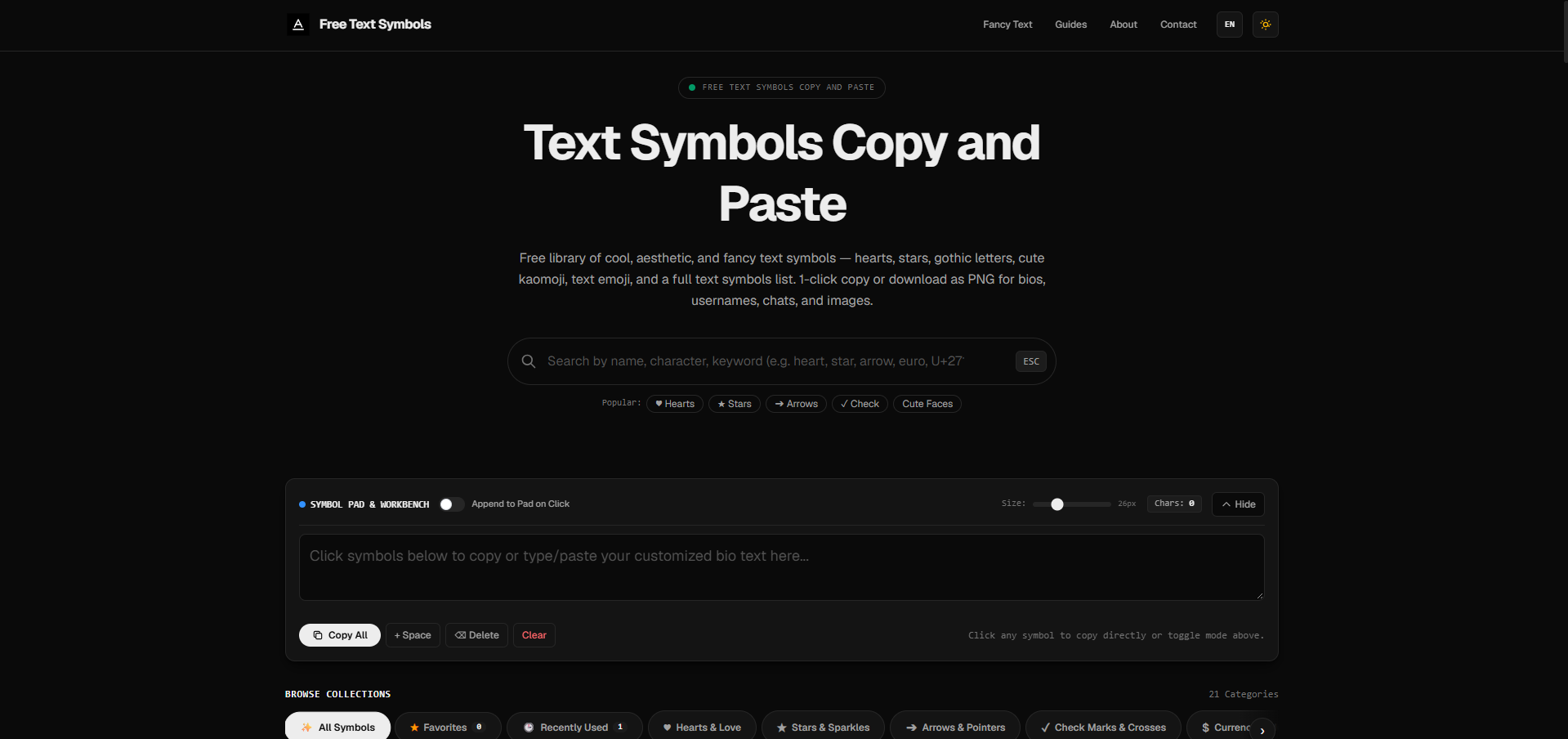
Free Text Symbols
Free Unicode text symbols and fancy text — one-click copy or PNG, no signup.

Gallery
About
Free Text Symbols is a free web app for copying Unicode text symbols and generating fancy Unicode text styles—no signup, no paywall, and no install. Open the site in any modern browser, search or browse a category, tap a character, and paste it into Instagram, Discord, TikTok, WhatsApp, Facebook, Slack, Google Docs, Notes, Photoshop, Clipchamp, or almost any chat or design tool that accepts text.What it isPeople search for “text symbols,” “copy paste symbols,” “heart symbol,” “fancy text,” and “special characters” when they want decoration that travels as real text—not stickers, screenshots, or a font file. Free Text Symbols is built for that job: a searchable Unicode library plus a small workbench (pad, favorites, recent copies, and PNG export) so you can build bios, usernames, captions, and messages quickly.Core features• One-click copy: tap any glyph and it goes to your clipboard with a short confirmation.• Large categorized library: hearts & love, stars & sparkles, arrows, check marks & crosses, currency, math & numbers, weather & zodiac, geometric shapes, brackets & dividers, music & chess, kaomoji & faces, Greek & technical, popular emoji, flowers & plants, fancy letters, animals, punctuation, religious signs, hands & gestures, food & drink, games & dice, and more.• Fancy Text Generator: type normal letters and get live Unicode variants—bold, italic, sans, script, gothic/fraktur, double-struck, monospace, fullwidth, circled, squared, small caps, superscript, subscript, upside-down, strikethrough, underline, and related styles popular for Discord nicknames and Instagram bios.• Append to Pad: mix symbols with normal text, then copy the whole line at once.• Favorites & recently copied: bookmark glyphs you reuse and reopen what you just used.• Symbol info & developer codes: Unicode name, code point, HTML entity, and CSS escape when you need them.• PNG download: export a single character as a PNG (roughly 64px–1024px) with transparent or solid background for slides, stickers, thumbnails, and design files. Prefer copy for bios and usernames; use PNG for image workflows.• Intent hubs for common searches: text symbols copy and paste, special characters, heart / star / arrow hubs, Discord fancy text, bubble text, and guides for Instagram bios and mobile copy/paste.• Multilingual UI: English plus locales such as Spanish, French, German, Portuguese, Hindi, Japanese, and Chinese—same Unicode catalog, localized pages.• Privacy-friendly: copy and PNG export happen in your browser; no account required. Free for personal and commercial use of the Unicode characters themselves.Who it is forCreators, students, social media managers, Discord server owners, gamers picking nicknames, writers who need special characters, designers who paste Unicode into text layers, and anyone tired of digging through phone keyboards or Character Map. Ideal when you want cool, aesthetic, cute, gothic, or fancy decoration that still pastes as selectable text.How it compares to typical “font” generatorsMany “Instagram fonts” and “Discord fonts” are not installable typefaces—they map letters to other Unicode code points. Free Text Symbols offers both a full symbol library and a converter, plus clear fallbacks when platforms strip fancy letters (simpler dingbats like hearts and stars often survive when fraktur does not). Classic dingbats tend to look similar across devices; color emoji can change by phone—the library includes both so you can choose what survives paste.Typical workflows1) Bios & usernames: open hearts, stars, aesthetic brackets, or fancy letters; copy a short combo; paste into Instagram, TikTok, or Discord.2) Captions & chats: grab kaomoji, arrows, checks, or dividers; keep lines short for mobile readability.3) Docs & design: paste Unicode into Docs or a type layer; if a font cannot draw a glyph, switch to a broad Unicode font or download a PNG.4) Fancy styling: open the Fancy Text Generator, type a short word or name, try styles, copy the one that still looks good after paste.Guides and learningPractical help covers copying on iPhone and Android, Instagram bio symbols, Discord fancy text limits, and related how-tos so first-time users understand why some styles normalize back to A–Z and what to try instead.Pricing and accessFree to use in the browser. No required registration. Source is proprietary. Platforms: online web app (not a native iOS/Android or desktop install).Official website: https://freetextsymbols.com/Also try: https://freetextsymbols.com/fancy-text/ and https://freetextsymbols.com/text-symbols-copy-paste/In short: search or browse, tap to copy (or download a PNG), paste where you create—and keep building with the pad, favorites, categories, and fancy-text styles whenever you need text symbols that actually travel.
Comments (2)
seems cool until you realize most symbols are useless and the fancy text just looks weird.
super handy for adding some flair to my texts, no fuss at all!
Related Products
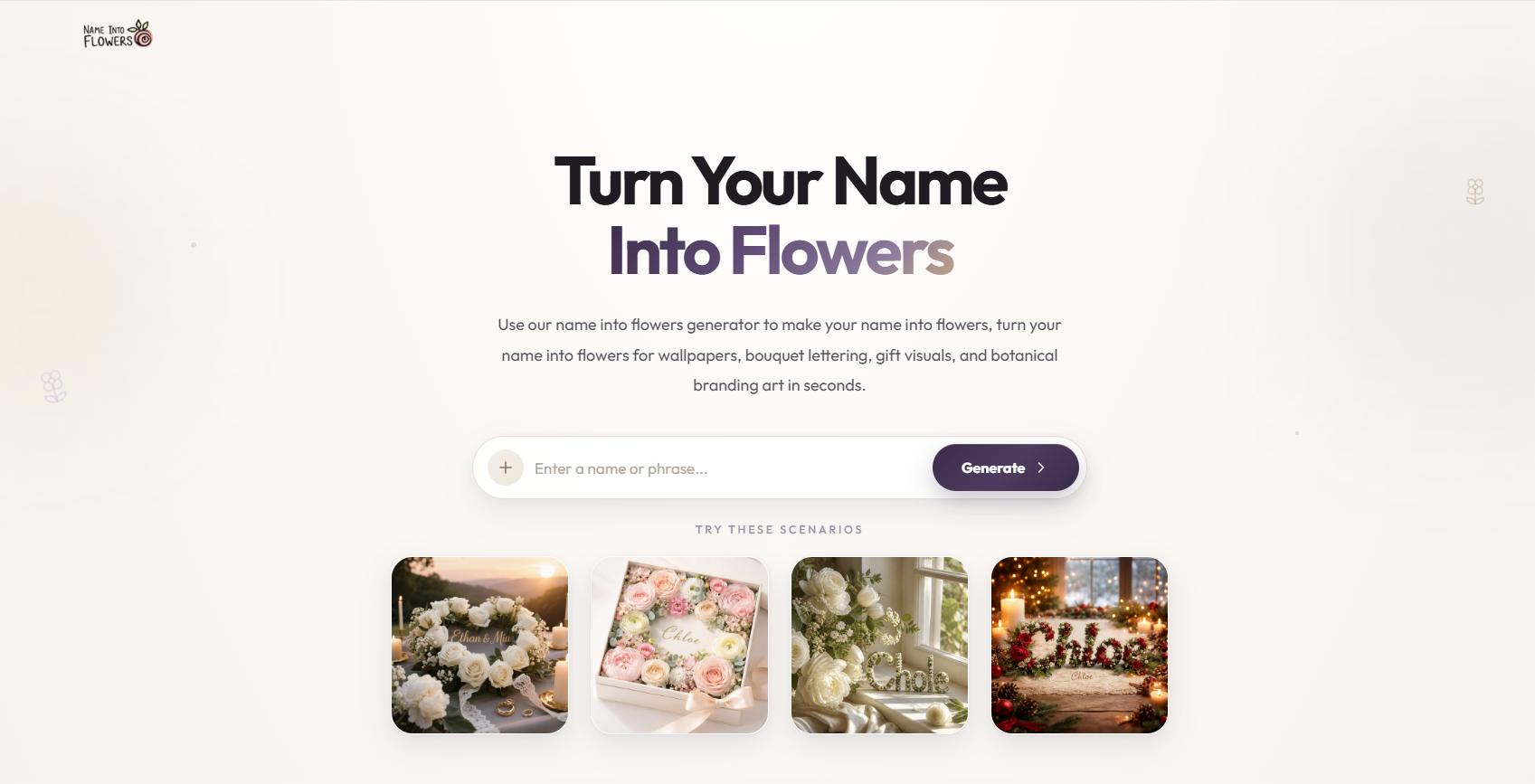
Name Into Flowers AI | Turn Names Into Floral Art
AI generator for floral name art, flower typography, gifts, and wallpapers.

Framia Pro
The All-In-One Creative & Marketing Studio

shotstudio
Beautiful 3D Screenshot Mockups Instantly Free.
MoonToPrint - 3D print the moon
Turn real lunar landscapes into 3D printable models.
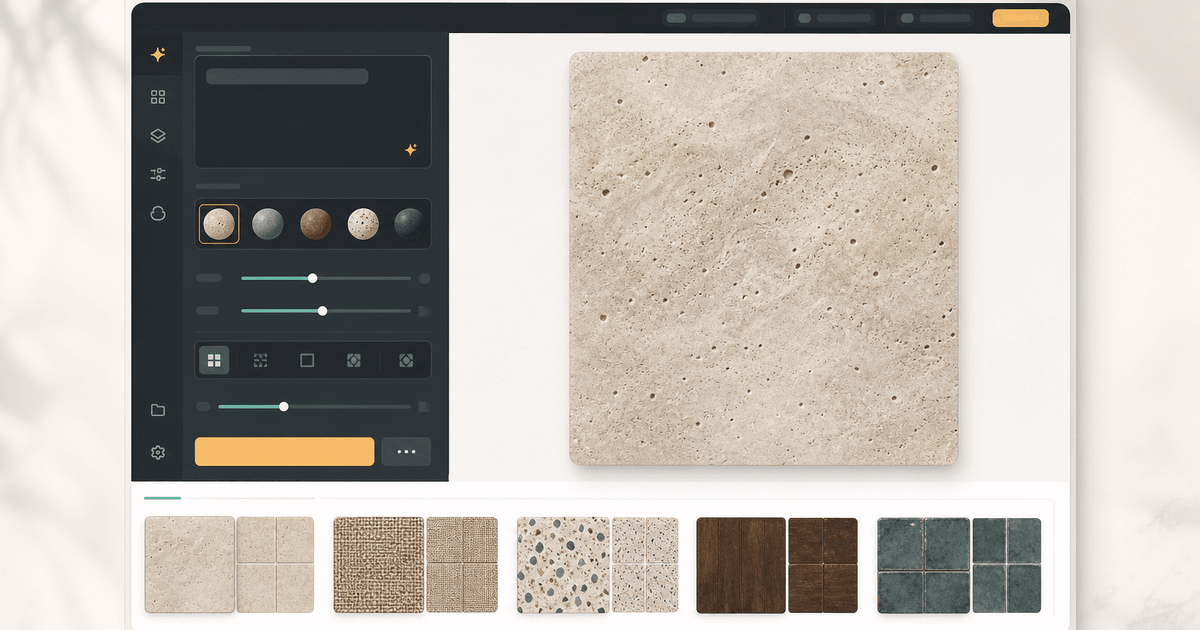
Generate truly seamless pattern&textures from prompts or images
AI tool for creating seamless patterns and textures from prompts or images.

Picture to Drawing
Transform any photo into beautiful artistic drawings with our free AI-powered