 ComingUp
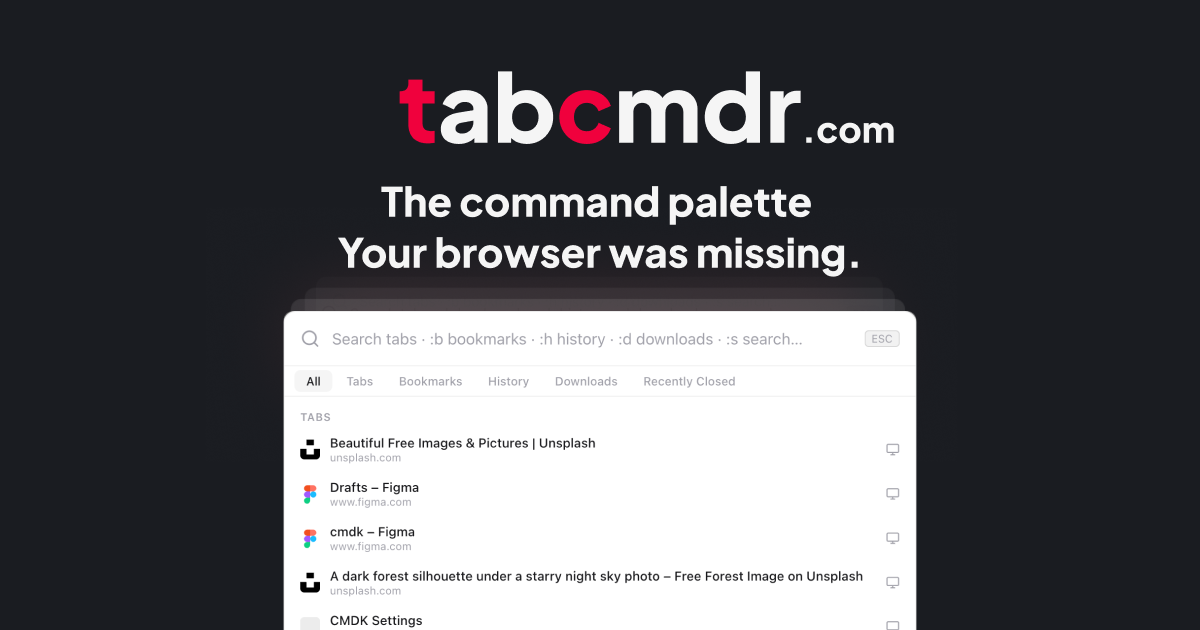
TabCmdr: Raycast for Browser
Search and Navigate through tabs, bookmarks, recently closed and more...
Gallery
About
Every Tool You Need, One Shortcut Away Right in Your BrowserTired of drowning in browser tabs?Most of us end up with 15–20 permanent tabs just for everyday tools - AI chat, weather, to-do list, RSS feeds, color picker, and more. What starts as “just one more tab” quickly becomes distracting, messy, and mentally exhausting.TabCmdr fixes that.It replaces all those scattered tabs with a single, lightning-fast command palette. Just press Ctrl + K and type what you need. No new tabs. No switching apps. No friction.Here’s what you can do instantly:AI Chat (:ai)Connect directly to 9 top AI models : OpenAI, Claude, Gemini, Grok, Groq, DeepSeek, Mistral, Perplexity, and OpenRouter. Pick your favorite as default, switch anytime, and keep separate conversation histories for each. The AI lives right where you work.Smart Emoji Picker (:emoji)Much faster and cleaner than the browser’s default picker. Search by name, see instant results, and your most-used emojis automatically rise to the top. Supports skin tones too. Copy and continue — it closes itself.Quick To-Do List (:todo)For those small tasks that don’t need a full app. Add, check off, and manage tasks right from the palette. It remembers everything across sessions and lets you clear completed items with one command. Simple, fast, and always available.RSS Reader (:rss)Your favorite feeds load in the background and appear beautifully inside the palette. Color-coded sources, one-click to open articles, and automatic refreshing. Read without ever leaving your current tab.Weather Check (:wx)Instant weather for up to four saved locations. Powered by Open-Meteo (no API key needed), with smart caching so it opens instantly every time. Perfect for that quick “what’s it like outside?” moment.Screenshot Tool (:ss)Capture full pages, select custom regions, and copy to clipboard - all inside the browser. No more switching to other tools. Developers and designers especially love how smooth this feels.Color Picker (:cp)Point at any pixel on your screen and instantly get the color in Hex, RGB, HSL, and CSS formats. Ideal for designers, developers, and anyone who needs to match brand colors quickly.Site-Specific ShortcutsTabCmdr also includes powerful command packs for the sites you use daily:GitHub, GitLab, Notion, Figma, Discord, Gmail, YouTube, Jira, and Twitter (X).Navigate repos, jump to sections, trigger tools, and perform actions faster — all from the same familiar palette.
Comments (1)
how does the search indexing work across tabs and bookmarks, any perf data at scale?
Related Products

Lynxify.me
360-degree feedback software for small teams

Free Knitting Calculators: Gauge, Decrease & Yarn Tools (AI-Enhanced) | StitchMa
ThinkSpatial

IdeaGrit
pressure-tests your idea and helps you commit to the right hard thing.
RentalReady — Turnover Tracker
Turnover checklist and inspection tracker for short-term rental hosts.
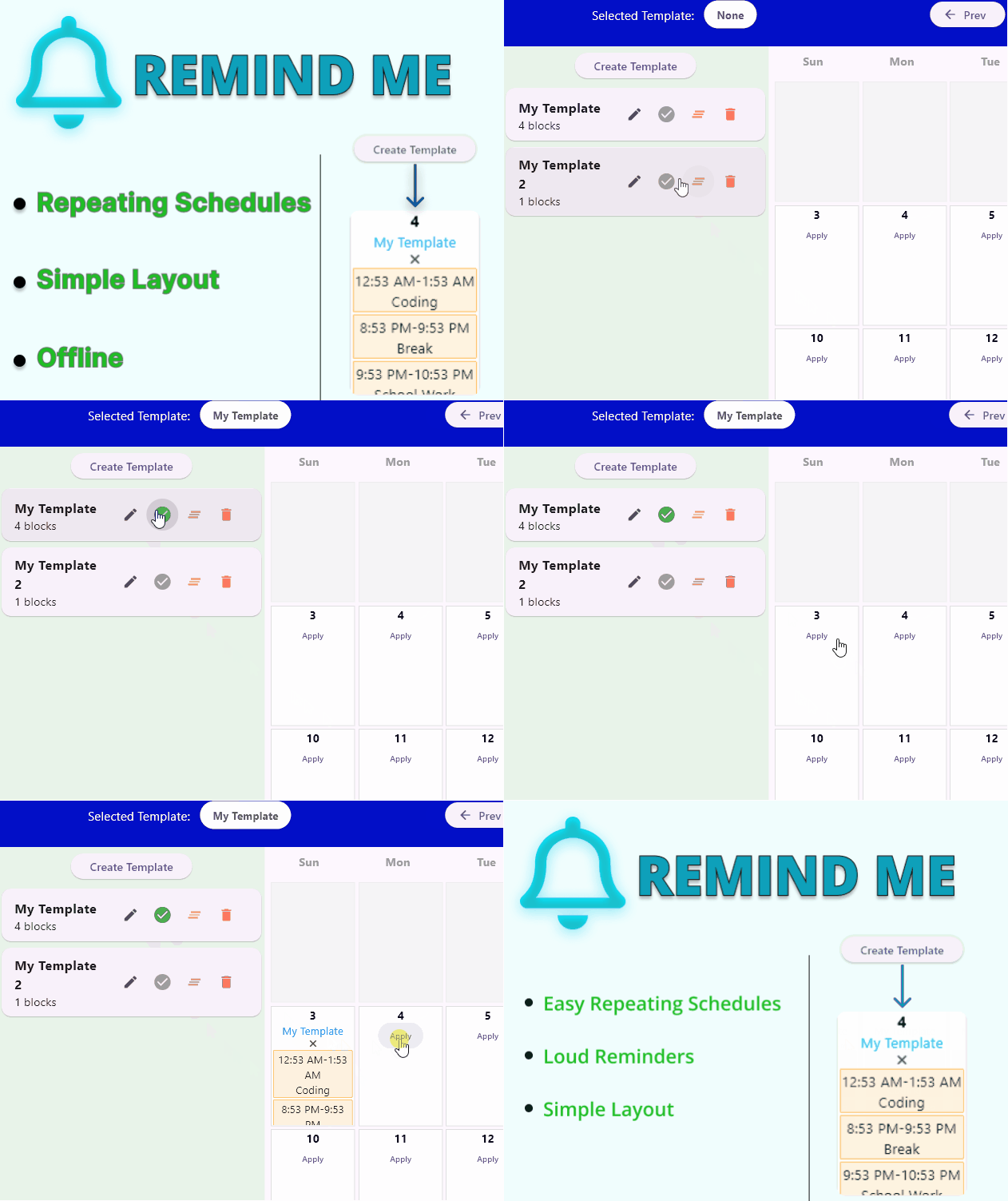
Remind Me: 24h Blueprint
Light weight, keyboard-driven offline routine planner for fighting friction.